Bing Homepage Quiz: How to Play Daily and What to Expect
Updated June 22, 2026
The Bing Homepage Quiz is easy to start, but many people get stuck because they expect the same format, rewards, and availability every single day.
Most searchers want straightforward answers:
- Where do I actually find the quiz?
- Is it part of Bing or part of Microsoft Rewards?
- Do the offers change by region or account?
- What should I check if a quiz does not seem to register?
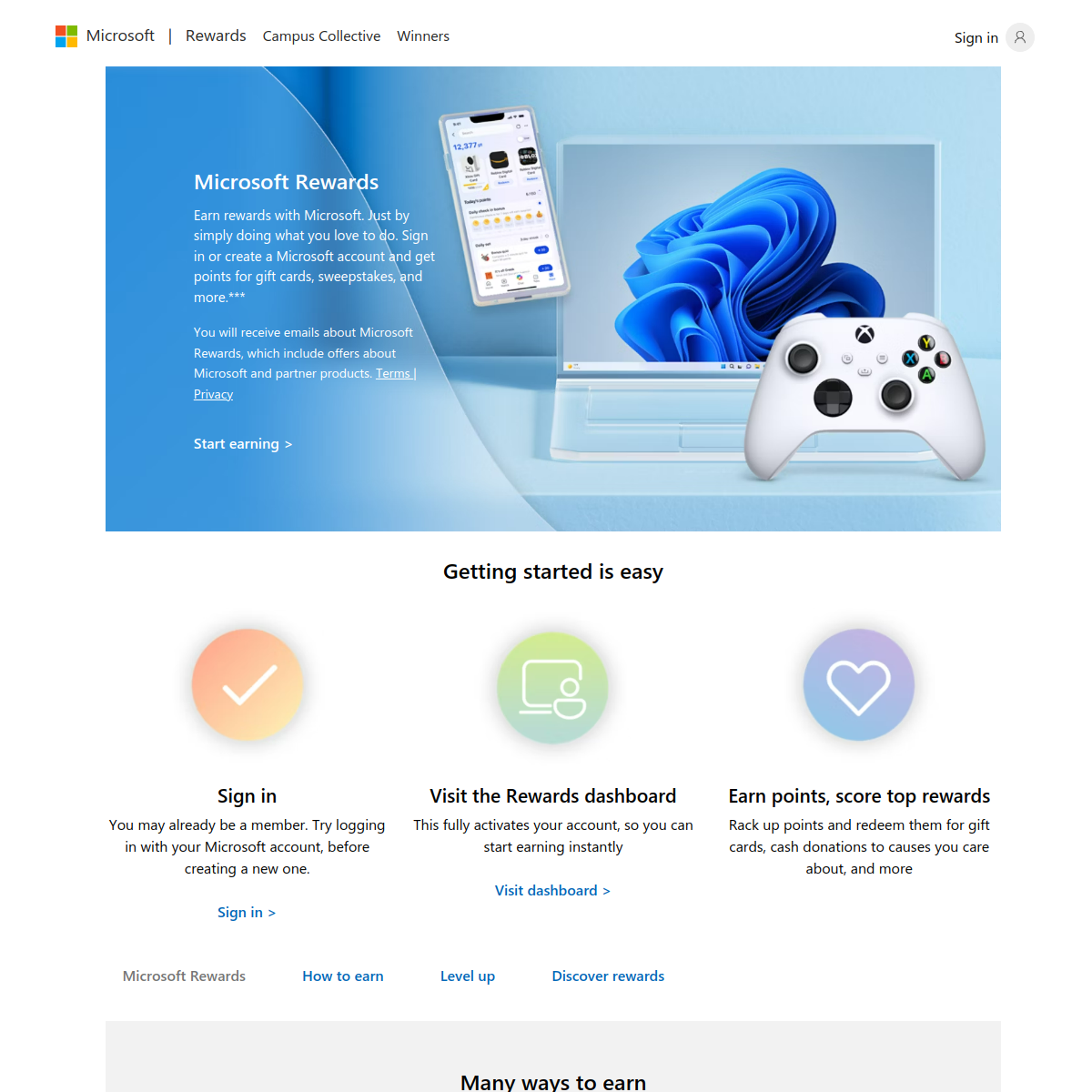
The official Microsoft Rewards overview, the public Rewards welcome page, and Microsoft’s support summary on how Rewards works all point to the same basic framework: quizzes, trivia, and searches live inside a wider rewards system, not as a standalone game with fixed rules forever.
This article explains how to think about the quiz as a daily activity, where to look first, and what habits reduce frustration when something changes.
Terminology and context
- Bing Homepage Quiz: a short trivia activity surfaced through the Bing and Rewards ecosystem.
- Daily Set: the rotating group of daily tasks shown in Microsoft Rewards.
- Dashboard: the account view that shows the offers currently available to you.
- Eligibility: whether a specific task is available for your market, account type, and current session.
Where the quiz fits
The cleanest way to think about the Bing Homepage Quiz is this: it is part of the Microsoft Rewards experience that often uses Bing as the entry point. That matters because people sometimes search for a quiz page as if it were a fixed destination. In practice, the exact tile, label, or path can move.
If you want the most reliable starting point, begin with your signed-in Rewards dashboard and the Bing homepage. Those two places usually tell you whether a quiz is available to you today and whether it belongs to a Daily Set or another bonus activity.
How to approach it daily
- Sign in first so progress can be associated with your account.
- Open the Rewards dashboard before assuming a specific quiz is active.
- Check the Bing homepage tile if the dashboard references it.
- Complete the activity naturally instead of rapidly refreshing or repeating clicks.
This sounds basic, but it solves a lot of confusion. Many complaints start with users landing on a general Bing page, a stale bookmark, or a quiz tile that is no longer the active offer for that day.
Why experiences vary
Rewards offers are not always identical across all regions and accounts. Availability can differ by country, browser, program status, and the promotions active on that date. That is why screenshots and forum advice from another user do not always match what you see.
It is smarter to treat the public dashboard as the source of truth for your account on that specific day. If the dashboard does not show the quiz, forcing a direct page usually will not help.
What to check if it does not register
If a quiz does not seem to count, work through the simple checks first:
- confirm you are still signed in to the same Microsoft account;
- refresh the Rewards dashboard after completing the quiz;
- try the default browser flow rather than stacked tabs or aggressive refreshes;
- verify that the offer is actually visible for your market and date.
If the task still fails, the official support and Rewards help pages are a better next stop than random workaround threads, because point values and completion logic can change over time.
Key takeaways
- The quiz belongs to the Microsoft Rewards ecosystem, not to an isolated trivia site.
- The Rewards dashboard is the best source of truth for availability.
- Offer details can vary by region, account, and date.
- If something does not register, check sign-in status and the dashboard before troubleshooting harder.
- Use the official Microsoft pages first when rules appear to change.